
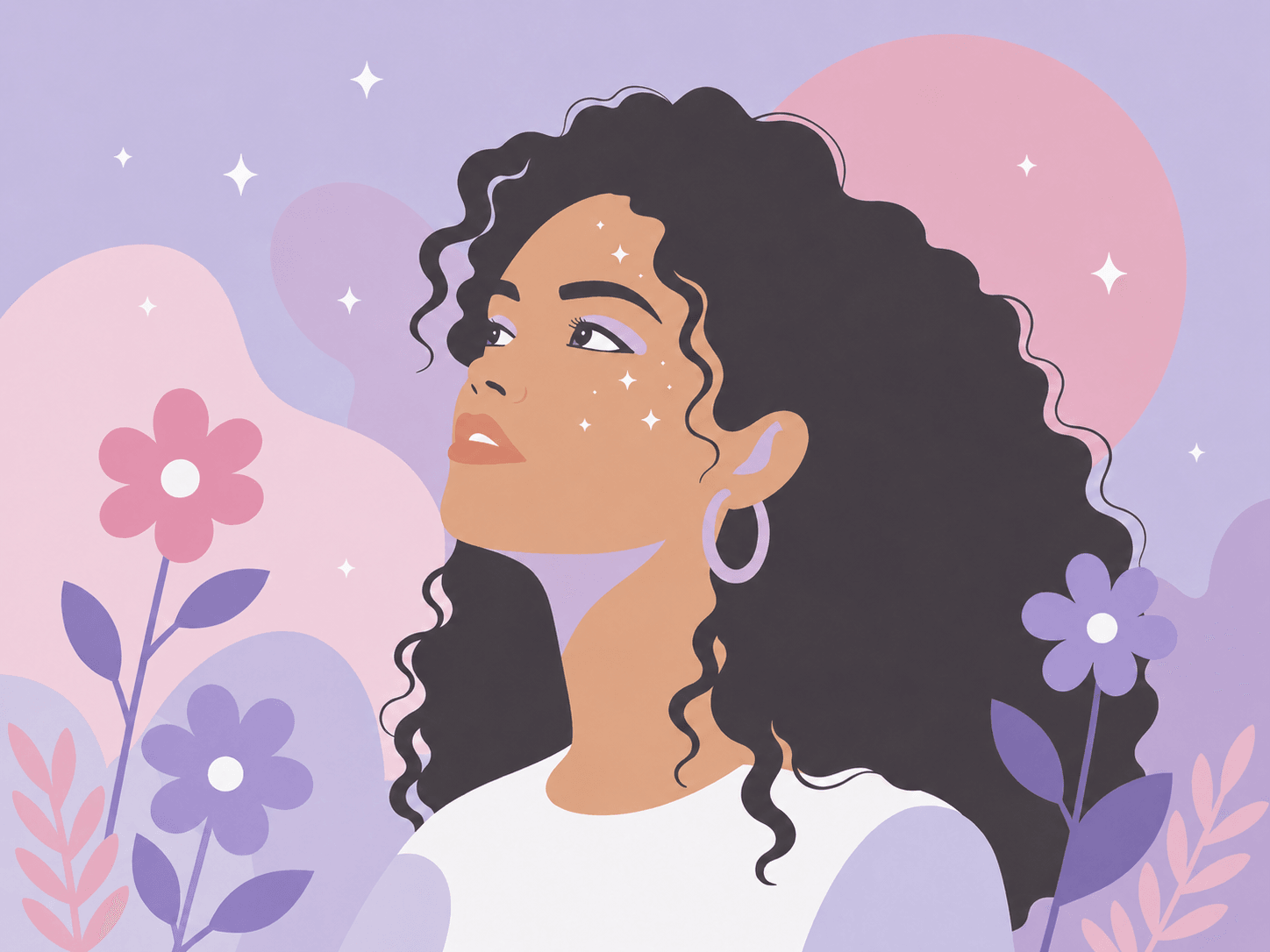
AI illustrations
Clean up generated artwork before editing.
Convert PNG and JPG into clean, editable SVGs — powered by a custom AI engine tuned for smoother curves, fewer nodes, and less cleanup.
Drop your image here — AI will handle the restSupports PNG and JPG up to 5MB • Free conversionPro tip: Use Ctrl+V to paste from clipboardor try by clicking an image

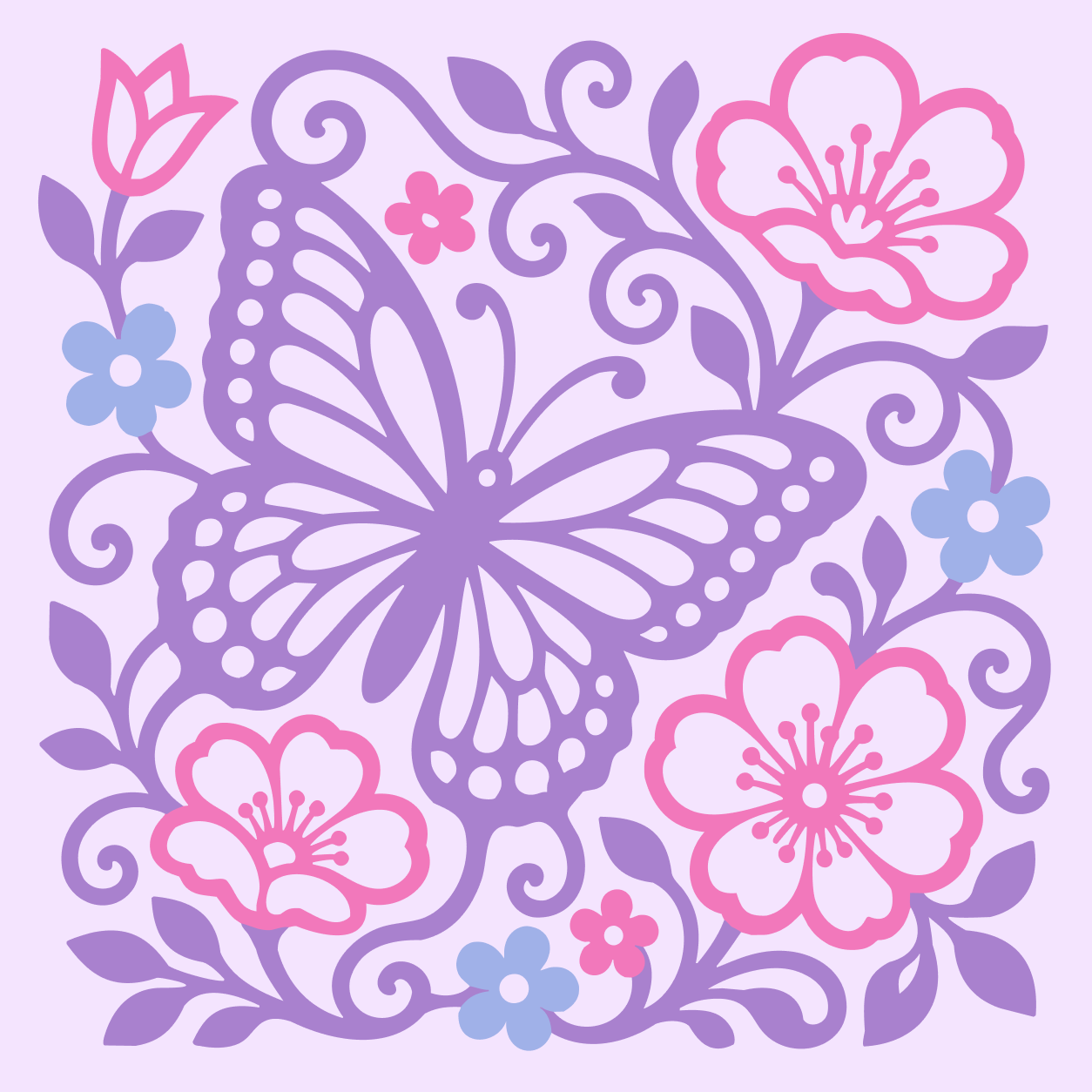
GenSVG analyzes your image and rebuilds it as clean, scalable vector art-ready for any project, any size, anywhere.
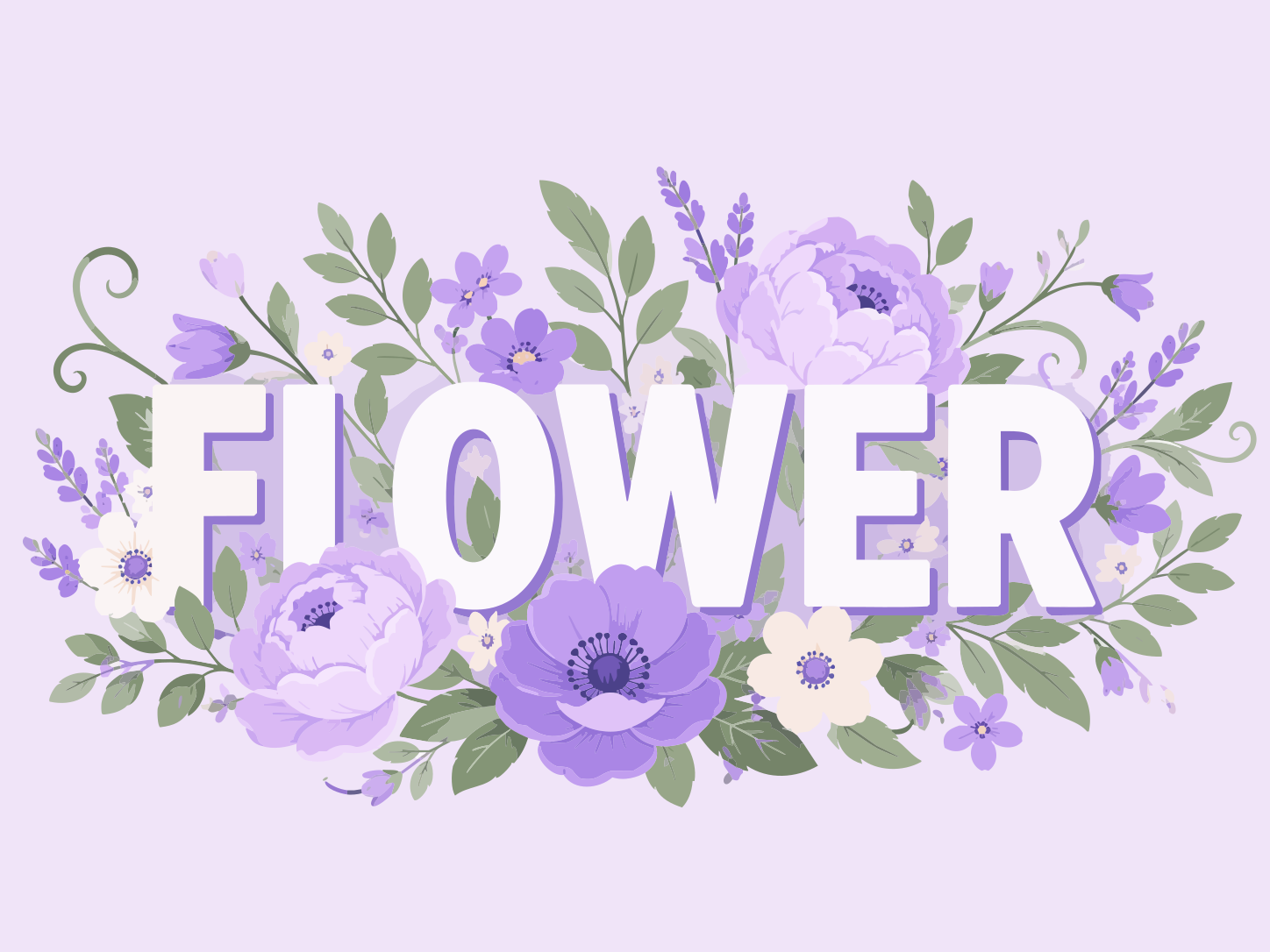
From concept to cut or print, GenSVG helps you turn any image into clean, scalable vectors-fast.
Clean up generated artwork before editing.
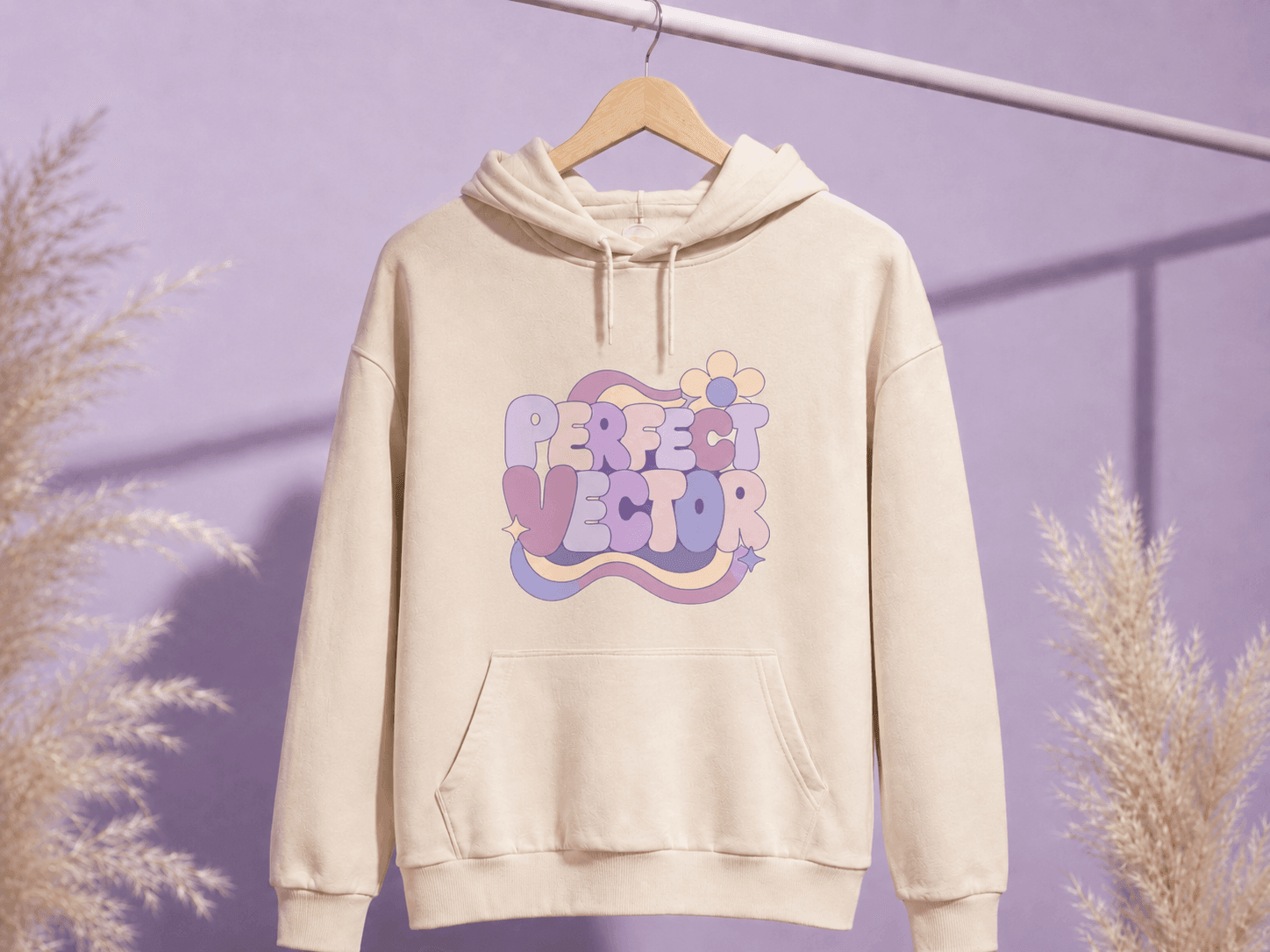
Prepare crisp SVGs for print and merch.
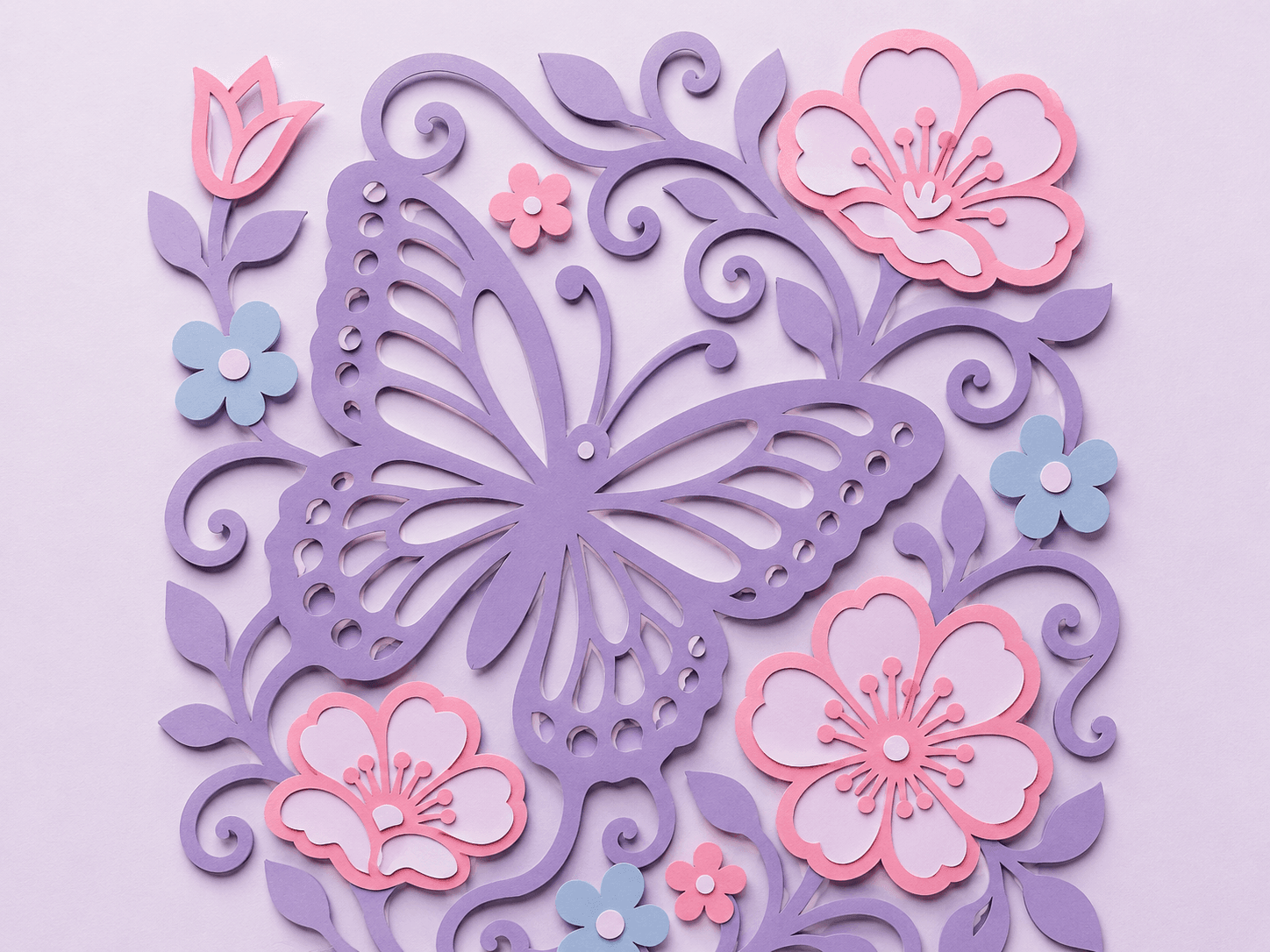
Reduce messy paths for cutting machines.
Smooth curves. Fewer nodes. Clean structure. GenSVG outputs SVGs designers actually want to work with.
For getting started
3 credits included
For everyday productivity
30 credits reset monthly
For heavier creative workflows
100 credits reset monthly
Cancel anytime.
We focus on cleaner paths with fewer nodes, so the SVG is easier to edit in Figma, Illustrator, and production workflows.
PNG and JPG are supported first. The Figma plugin exports selected layers as PNG before sending them to vectorization.
Yes, but make sure you have the rights to the original image or artwork you upload.
Paid plans can be cancelled anytime. If something is not working as described or you purchased by mistake, email support within 14 days for a refund review.
Yes. The plugin can send selected artwork to the web workflow and insert the SVG back into the canvas.
Turn any raster image into clean, editable SVGs.
Start free conversionNo credit card required • Free trial conversions